


Make A Hit Song Today
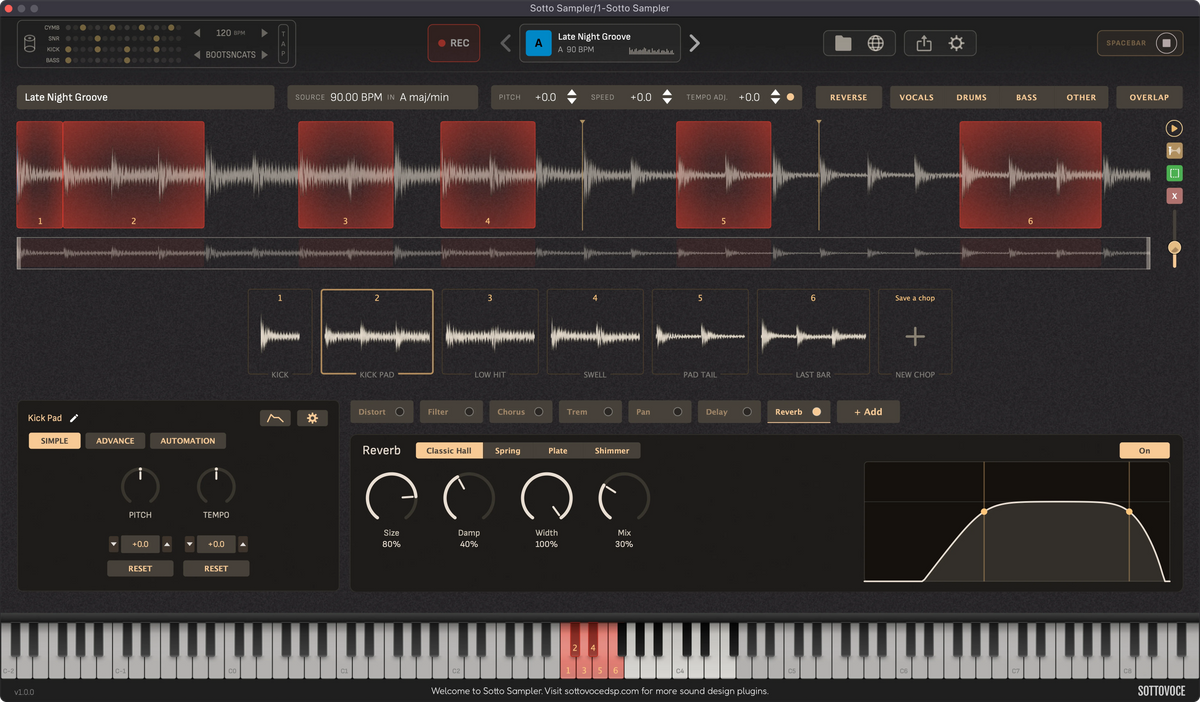
Instead of spending hours in your DAW trying to turn a sample into something, only to hit a dead end, turn any sample into a finished song effortlessly.

Bring Your Favourite Songs Together
Instead of being limited to sampling one song at a time, combine elements from all your favourite tracks to create something entirely new. Mix melodies, rhythms, and sounds from different songs to discover combinations you never imagined possible.
Features
-

Overlaping Sample Chops
Chop the same region multiple times to get a different feelings from the same chop.
-

Pitch & Time Controls
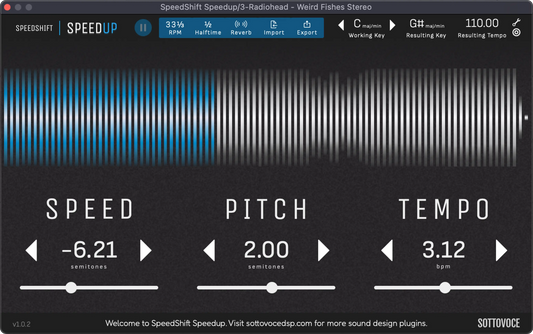
Change the pitch, speed and tempo of individual chops.
-

Dozens of Effects
Choose between delays, reverbs, lo-fi, chorus, and dozens of other effects.
-

Envelope Shaping
Modify the delivery of a particular chop to have less body, softer transient, a fadeout.
-

Exact Frame Loops
Chop an exact length drum loop. Be sure your loop is exactly a bar in a certain BPM.
-

Drum Machine
Test how well your sample could work in different genres using preset drum loops.


Frequently Asked Questions
Ableton Live: Create an audio track. Under audio pitch effects.
Logic Pro: Create a midi track. It's a virtual instrument under the menu AU Generator.
Pro Tools: Create an instrument track. Under virtual instruments. It's in the pitch shift section.
Cubase: Create an audio track. It will be under Pitch Shift. IT WILL NOT WORK ON A MIDI INSTRUMENT TRACK.
Due to a bug with Ableton Live, SpeedShift Speedup does not have an AU format available in Ableton Live. Please use VST3 instead.
You need to increase the size of your buffer in your DAW, likely to 512. If you are using an old computer or do not have a SSD, your DAW will not be able to provide data to your audio card in time.
You may also like
-
 Sale
SaleEverything Bundle
Regular price $39.99 CADRegular price$129.00 CADSale price $39.99 CADSale -
 Sale
SaleSpeedShift Bundle
Regular price $34.99 CADRegular price$79.99 CADSale price $34.99 CADSale -
 Sale
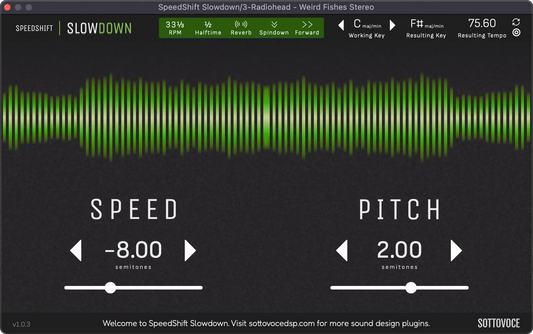
SaleSpeedShift Slowdown
Regular price $24.99 CADRegular price$49.99 CADSale price $24.99 CADSale -
 Sale
SaleSpeedShift Speedup
Regular price $24.99 CADRegular price$49.99 CADSale price $24.99 CADSale

